Click to download now, finish the installation quickly, and directly unlock the all-round experience
Screenshots
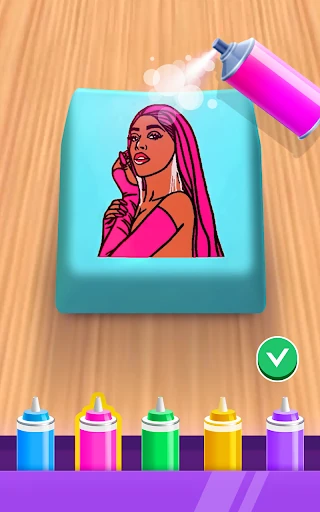
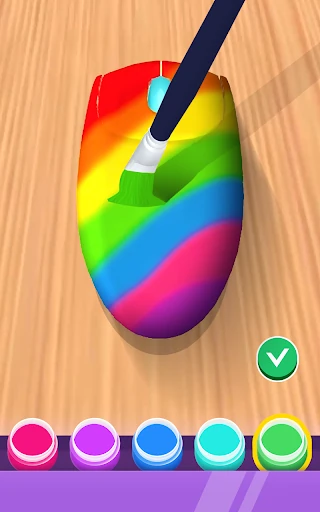

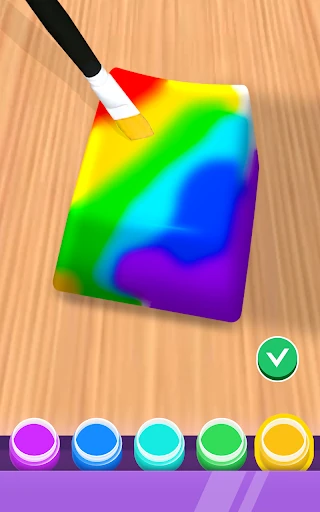


Click to download now, finish the installation quickly, and directly unlock the all-round experience
DIY Keyboard is a hands-on simulation for anyone who enjoys arranging colors, textures, and small details. Instead of using a keyboard as a finished object, you work through its individual parts and give the design a personal look. It suits players who like creative tasks, customization, and short sessions with a clear visual result.
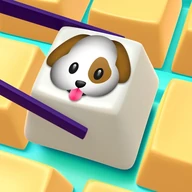
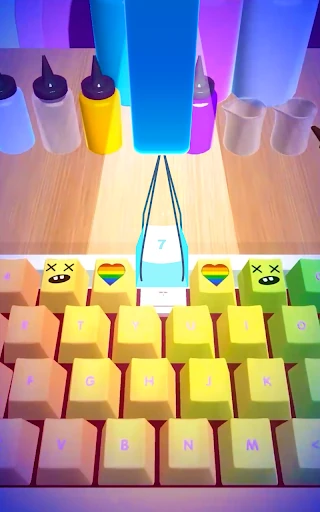
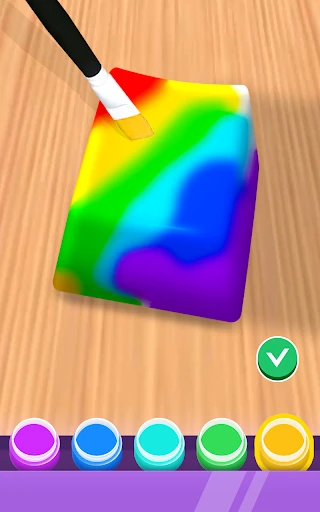
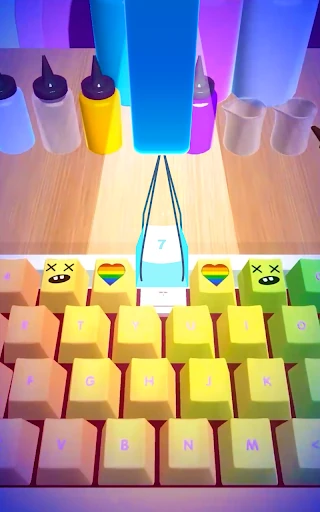
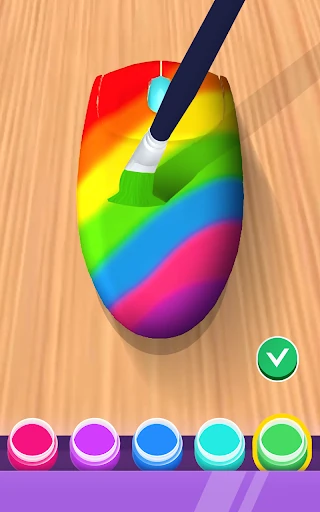
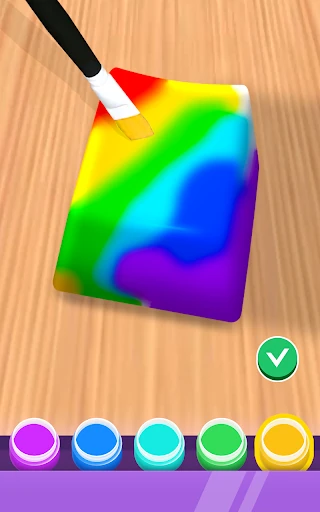
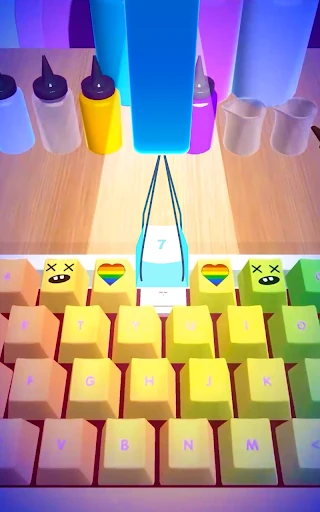
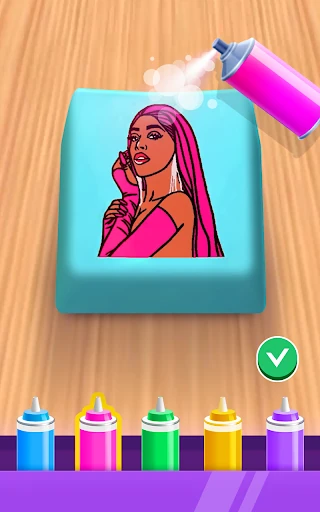
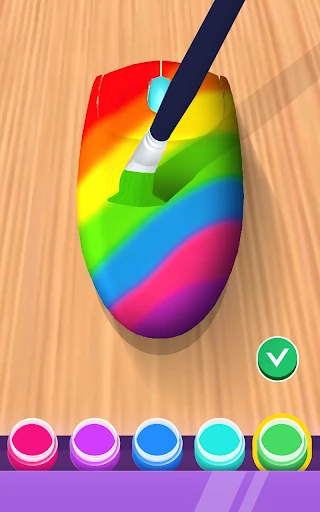
The app presents the keyboard in 3D, giving you a view of its shape and components as you work. You can decorate individual keys, experiment with different colors, and build combinations that range from simple and coordinated to bright and unusual. The controls keep the process approachable, so you do not need drawing experience or knowledge of physical keyboard building to get started.
DIY Keyboard follows a guided, bite-sized structure rather than asking you to manage a complicated workshop. Each task gives you a focused design goal, with accessible tools that make it easy to change the appearance of the keyboard and see the result immediately. That makes it a natural fit for idle breaks, creative-minded players, and anyone who finds repetitive visual work satisfying.
Its appeal is straightforward: take a familiar object, work on it piece by piece, and watch a custom design come together. If you prefer low-pressure creativity over competition or complex strategy, DIY Keyboard offers a focused way to spend a few minutes shaping something that looks distinctly yours.