Click to download now, finish the installation quickly, and directly unlock the all-round experience
Screenshots
Click to download now, finish the installation quickly, and directly unlock the all-round experience
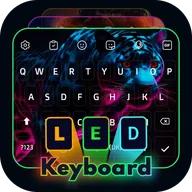
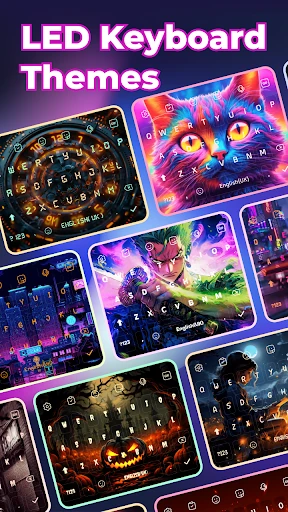
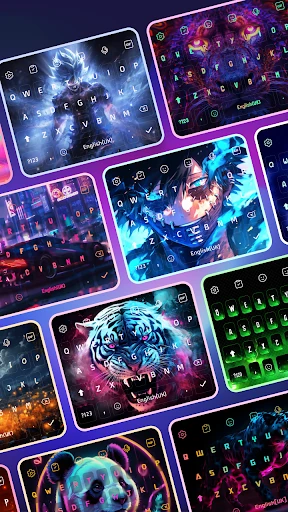
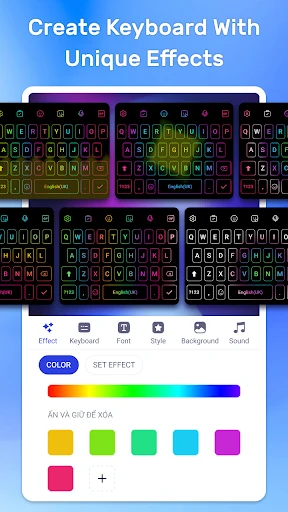
LED Keyboard: RGB Themes replaces a standard Android keyboard with a more decorative typing layout. It is aimed at people who want their keyboard to match a gaming setup, phone wallpaper, personal style, or simply stand out from the default option. The main focus is animated LED and RGB styling across the keys, with themed designs and neon-inspired layouts to choose from.
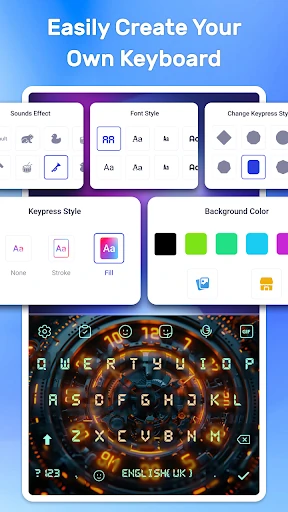
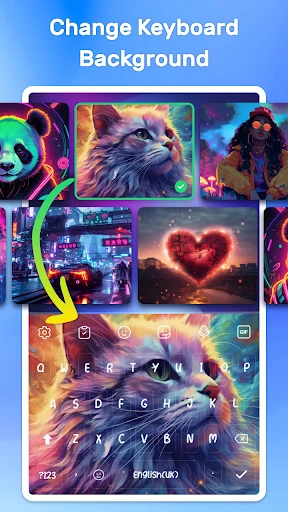
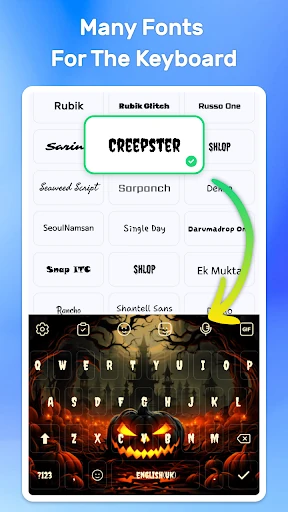
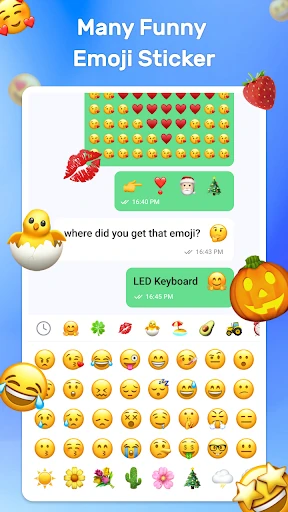
The app gives you several ways to change the keyboard’s appearance and feel. You can select from HD themes, adjust the visual mood with light or dark options, and use a personal photo as the keyboard background. Custom fonts add another layer of control, while sound effects, stickers, and emoji tools let you make conversations more expressive without leaving the keyboard.
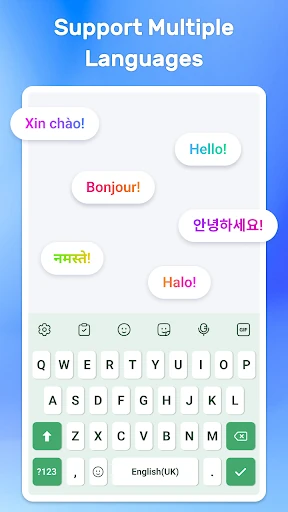
Alongside its visual customisation, LED Keyboard: RGB Themes includes swipe typing, voice input, and suggestions for quicker text entry. Multitouch typing and support for different languages make it suitable for everyday messages as well as more decorative setups. The keyboard also offers light and dark presentation options, so its appearance can fit different surroundings.
Developed by highsecure, the app sits in the Personalization category and has passed 1,000,000 installs. Its rating is 4.79 from 21,253 reviews, suggesting that the combination of colourful themes and familiar keyboard tools appeals to a broad group of Android users. The developer states that the app does not collect or share personal data and uses minimal permissions.