Photo App - AI Photo Enhancer
HyperSoft AI - Apps Lab
Downloads
10,000,000+
Version
Latest
Click to download now, finish the installation quickly, and directly unlock the all-round experience
Screenshots





Click to download now, finish the installation quickly, and directly unlock the all-round experience
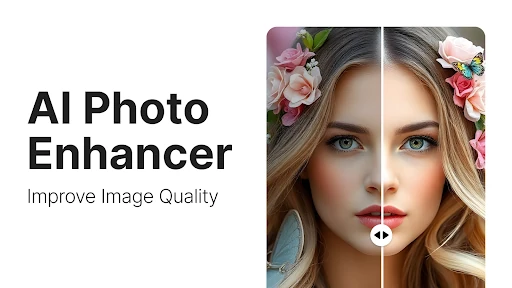
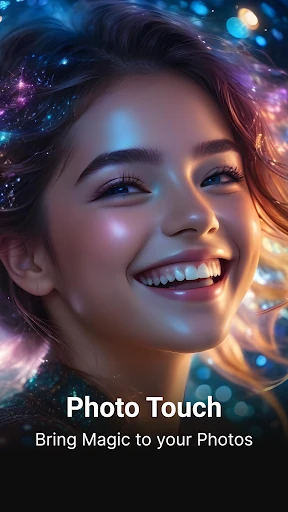
Photo App - AI Photo Enhancer combines AI-based image improvement with everyday editing tools. It suits people who want to clean up a blurry or older picture, make a portrait look more polished, or turn several images into a shareable collage without using separate apps. The app is listed in Art & Design and is developed by HyperSoft AI - Apps Lab.
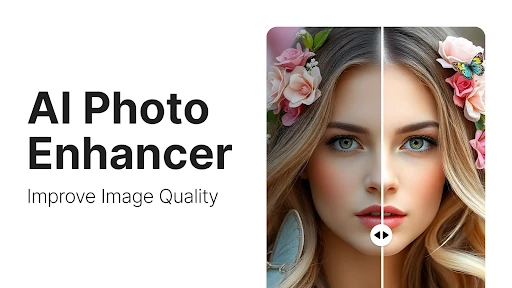
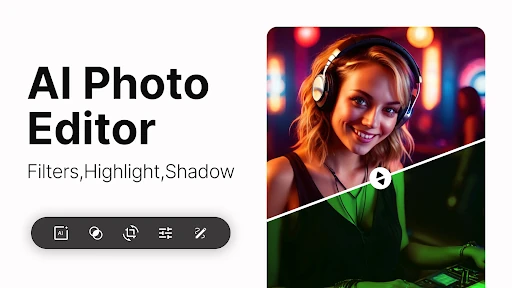
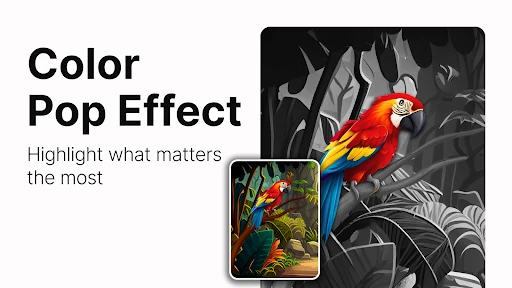
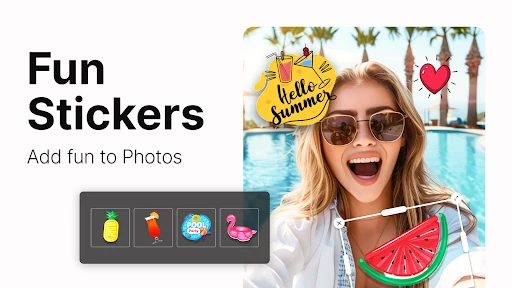
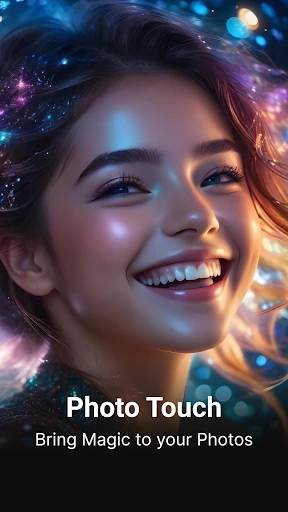
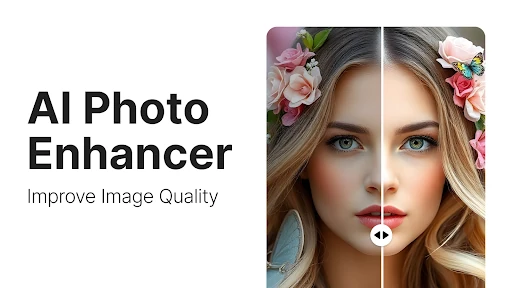
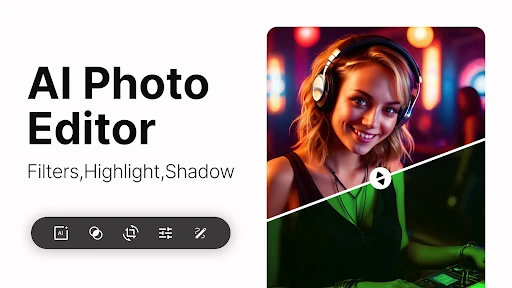
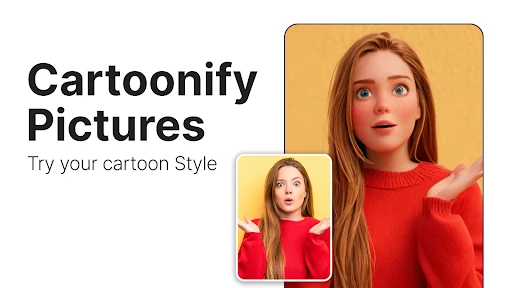
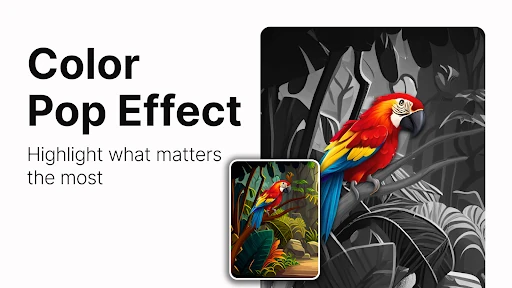
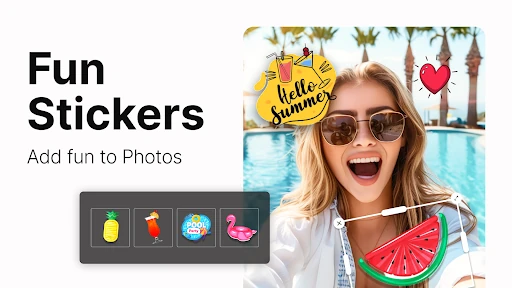
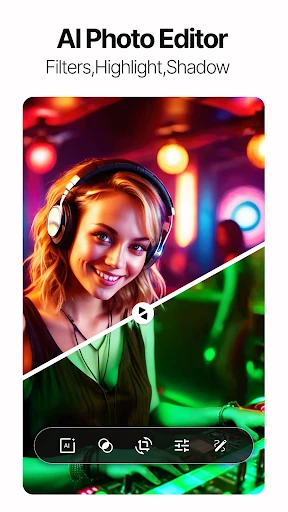
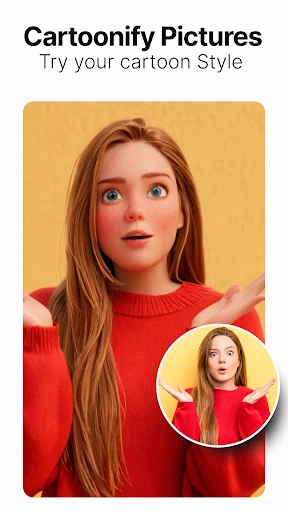
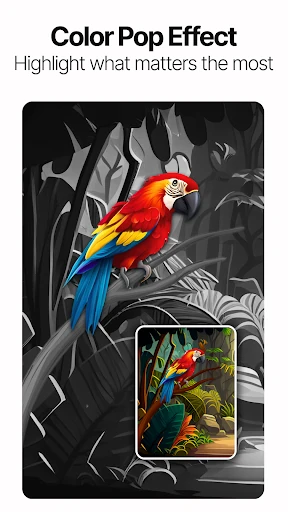
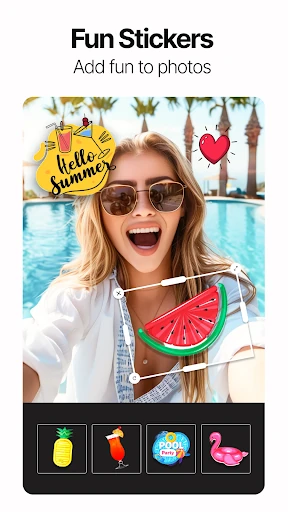
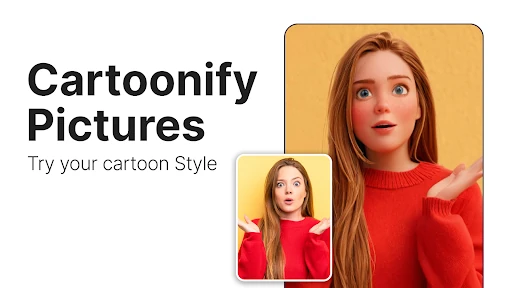
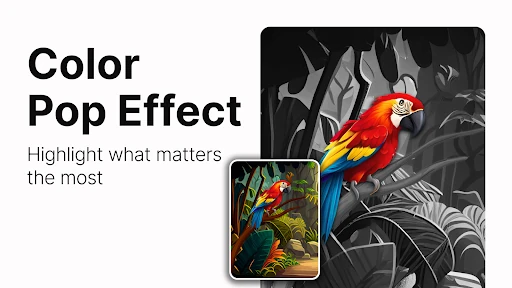
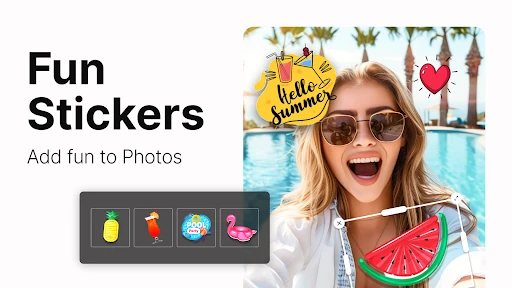
The AI enhancer is aimed at improving low-resolution, unclear, or aged photos by sharpening visible detail and increasing their apparent quality. Portrait tools focus on common skin concerns such as acne and dark spots. For more stylized edits, you can use color-pop effects that keep selected colors visible against a grayscale image, along with filters, stickers, and other decorative overlays.
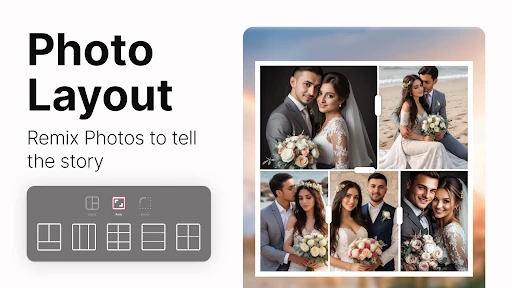
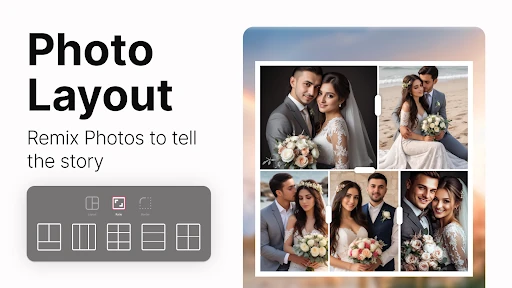
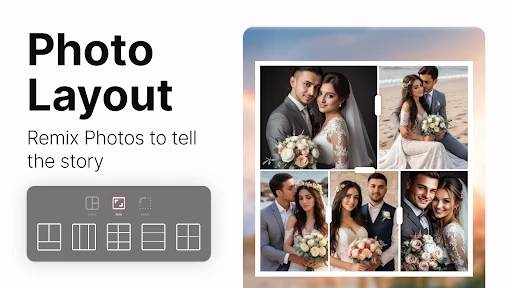
A collage maker lets you arrange multiple photos using grid-based layouts, which is useful for event recaps, photo collections, or simple social posts. The app also includes themed frames for occasions such as birthdays and romantic or paired-photo designs. These tools make it possible to move from a single enhanced image to a more arranged composition in the same editing workspace.
With a 4.6 rating from 77,846 reviews and 10,000,000+ installs, the app has found a broad audience among mobile photo editors. Its large mix of enhancement, retouching, collage, frame, and effect tools will appeal to users who prefer having several creative options together. If you only need one narrowly focused adjustment, the wider toolset may feel more extensive than necessary.